[TokenMeter] Building a Personal (Local) ChatGPT
Motivation
I mainly use ChatGPT. (Claude has usage limits, and Gemini just doesn’t get what I mean half the time.)
Things I don’t love about ChatGPT
- The subscription is expensive. $20 + $2 (VAT)…
- Sometimes the OpenAI API is running fine, but the ChatGPT service itself is flaky.
- Unless you turn off the model-improvement option, your conversations get used for training.
- Regardless of that option, your conversation history is still stored on ChatGPT’s servers. You can delete it, but you never really know for sure, so it feels a bit unsettling at times.
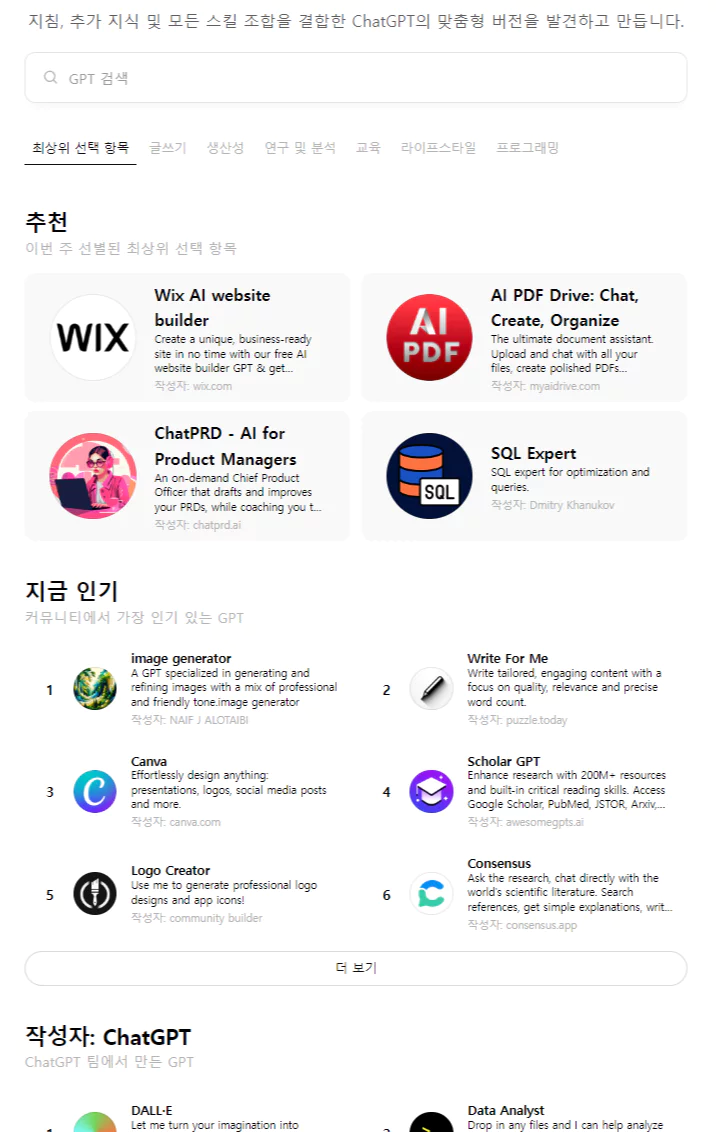 Starting a chat with a custom setup
ChatGPT offers a way to start a conversation with settings tailored to a specific topic.
If you’ve played around with the OpenAI API, you know there are a lot of parameters you can tune — presumably those custom setups are just presets built from those same parameters.
Unless you’re actually relying on a custom GPT, wouldn’t it be cheaper to just pay for what you use?
And if you’re discussing sensitive code or files, it’s more reassuring to keep everything local instead of routing it through ChatGPT.
The data still gets sent to the OpenAI API, but at least the API itself doesn’t collect it for training (unlike ChatGPT, which does collect and use your data for training).
When using the OpenAI API, your data is not used to train models by default. OpenAI states that data collected through API calls is not used for training, in order to protect user privacy, and is only used for customer support or quality monitoring purposes.
\
Project name — SaveChat (planning, development)
The two biggest features of this project are:
- Cost savings from using the API instead of a ChatGPT subscription
- Keeping conversation history stored locally
It saves money (save),
and it saves your data from leaking by keeping everything local (save),
so I named it SaveChat.
Features
The screen and functionality are similar to ChatGPT.
Key differences
- You provide your own OpenAI API key.
- Conversation history is stored in a local SQLite3 file. (As long as you have the file, you can pick up your history and settings on a different PC.)
- It visualizes how many tokens you’ve used (which directly maps to API cost).
Additional features
- Set a maximum token limit for how much conversation history gets sent.
- When sending conversation history, designate certain messages to always be pinned. (ChatGPT lets you do something similar with memory management or custom instructions, but I wanted to make this more intuitive.)
- e.g., if you’ve had 100 messages in a single conversation, the app normally sends the most recent ones up to the token limit — but if you want message #1 to always be included, you can pin it.
- Expose the OpenAI API’s key parameters as customizable options.
How to use it (planned)
Set it up and deploy it with Docker.
Users will download the Docker image, run it, and use it through a local web interface.
Progress
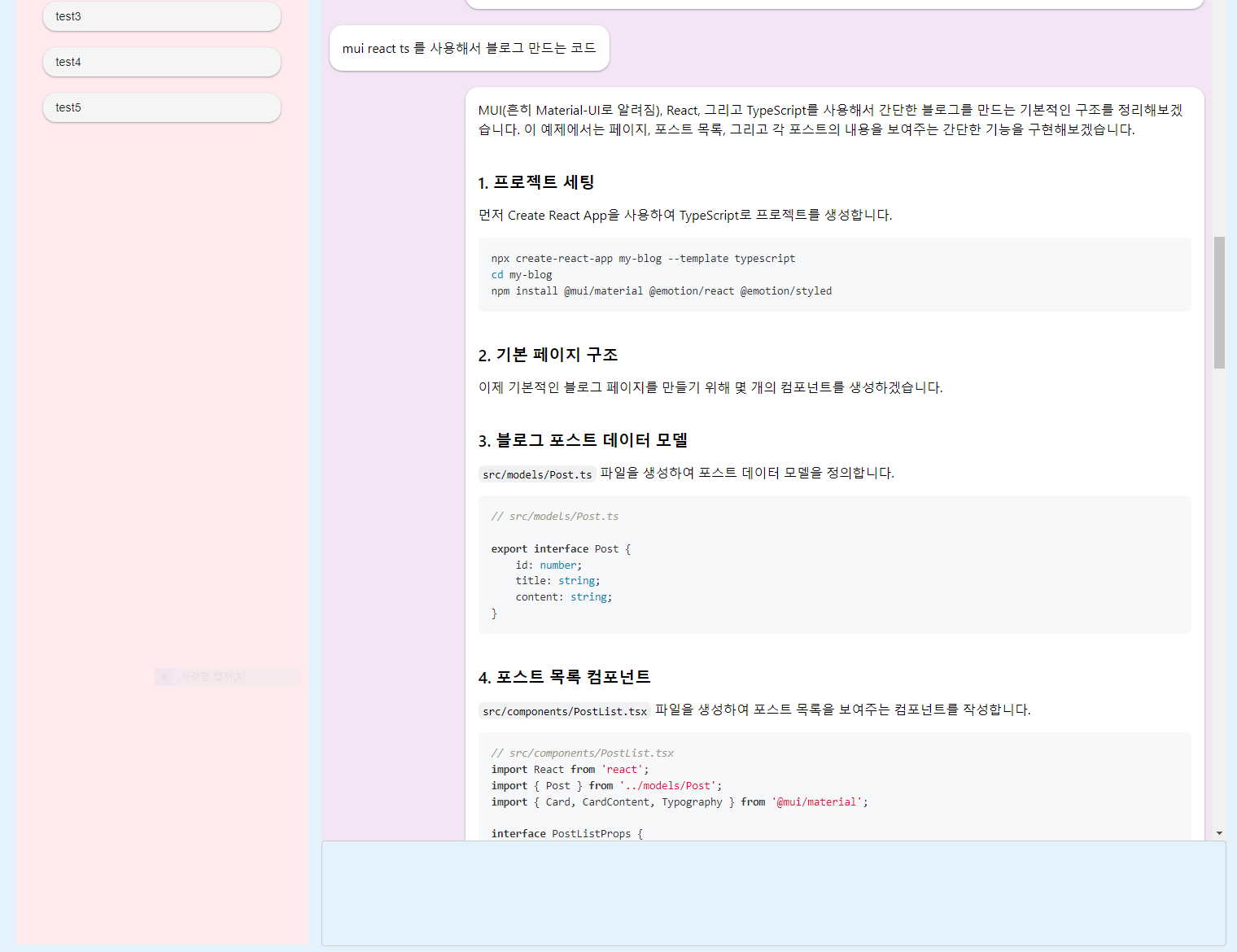 Working on it bit by bit.
Right now I’m building the core chat flow — starting a chat, having the conversation, saving it — along with the UI.
2025.02.21 - [Side Project/TokenMeter] - Side Project - TokenMeter(Local ChatGPT, Personal ChatGPT)
2025.04.10 - [Side Project/TokenMeter] - My Own ChatGPT - TokenMeter(docker)