[TokenMeter] Local ChatGPT (25.07)
Token-Meter
https://github.com/cornpip/TokenMeter
Key Updates
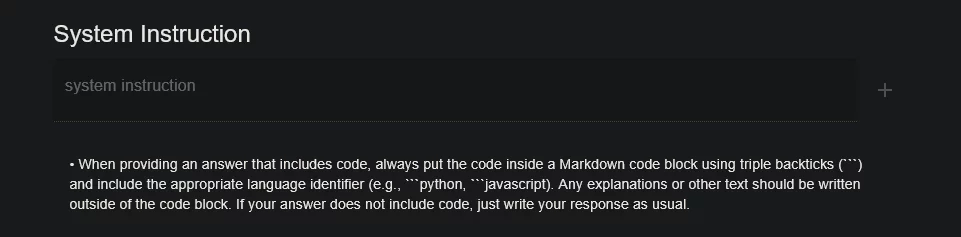
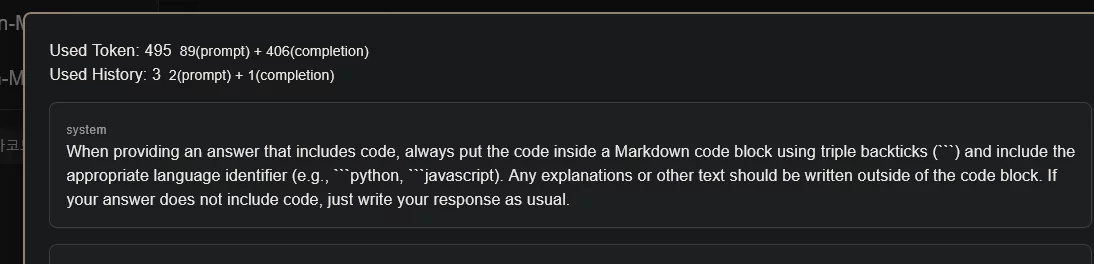
- System Instruction
The instruction prompt is always included in the message history with role: system, and it guides the overall response behavior.
- Create Edit Image API, SAM2 Mask
https://platform.openai.com/docs/api-reference/images/createEdit
I noticed there’s an inpaint image generation API, so I gave it a try.
It requires a mask image. I set up an ai_server and got SAM2 running on it.
1
2
// main.py
predictor = SAM2ImagePredictor.from_pretrained("facebook/sam2-hiera-base-plus")
The first time you run the token-meter-ai Docker image, it takes a while to download the SAM2 model from Hugging Face (around 300MB).
Left click marks the area to include, right click marks the area to exclude.
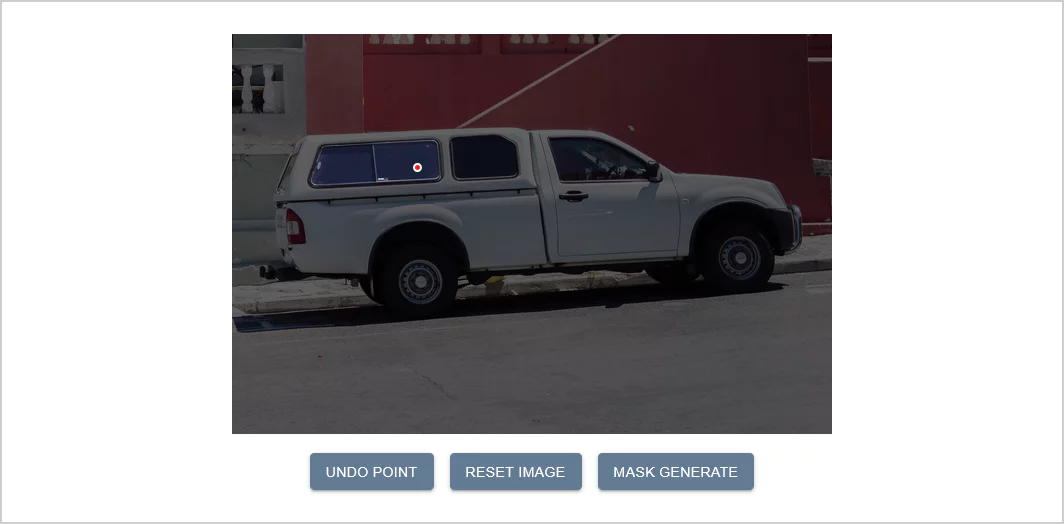
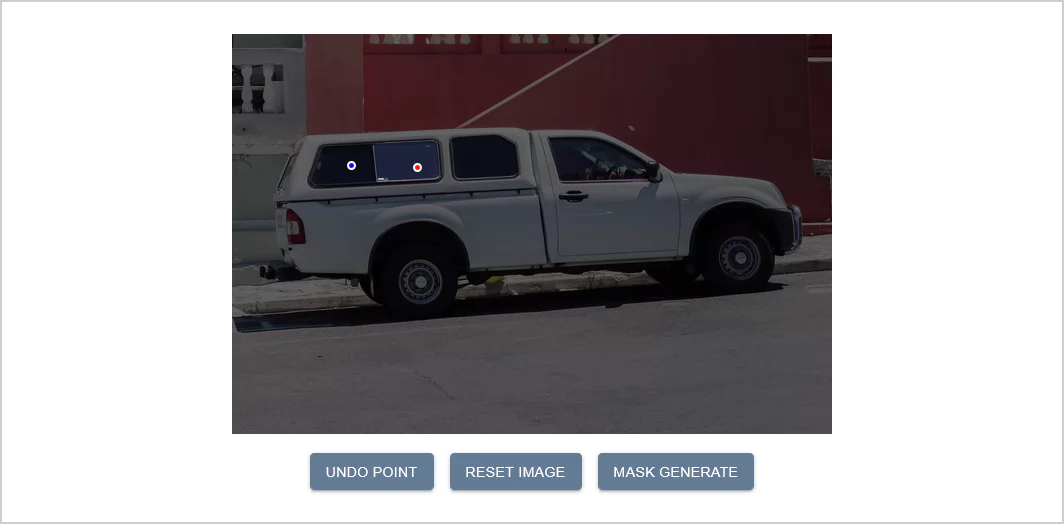
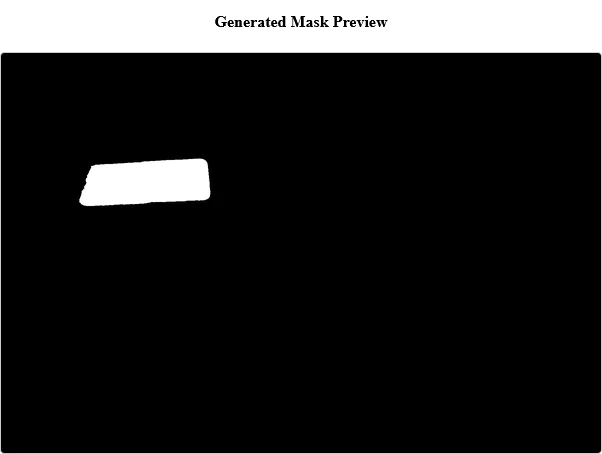
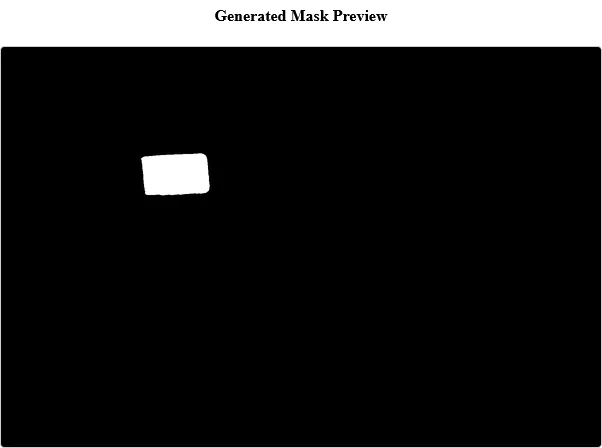
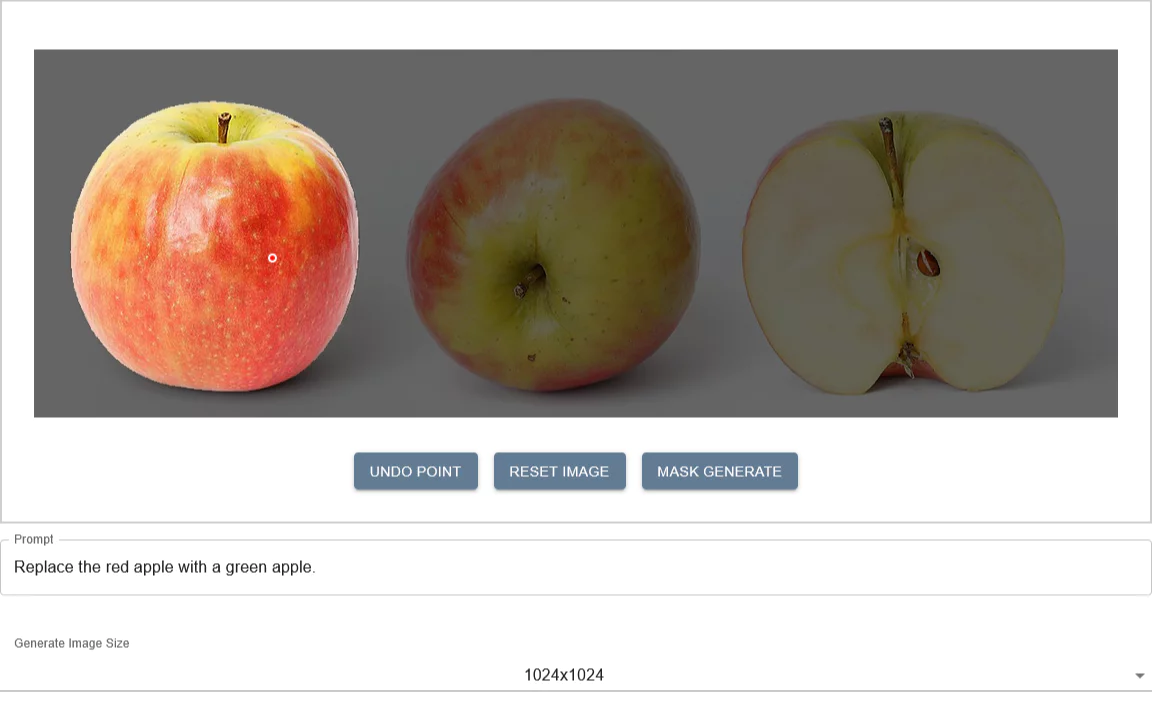
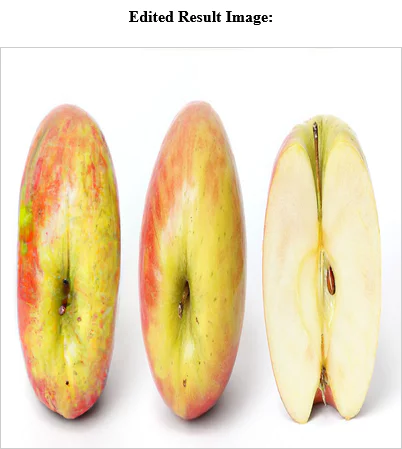
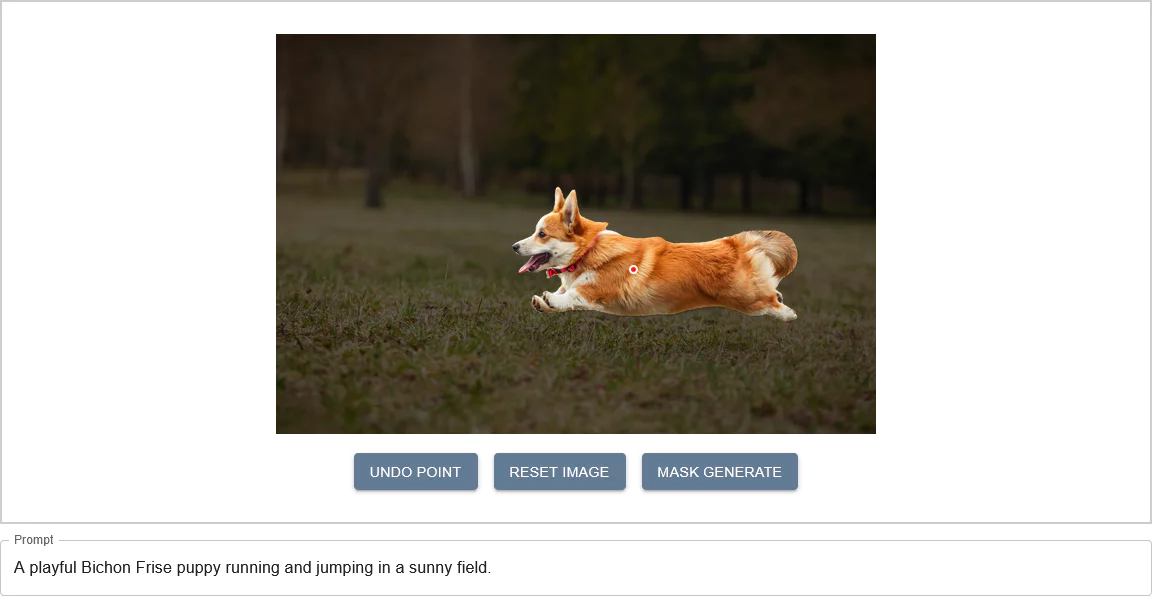
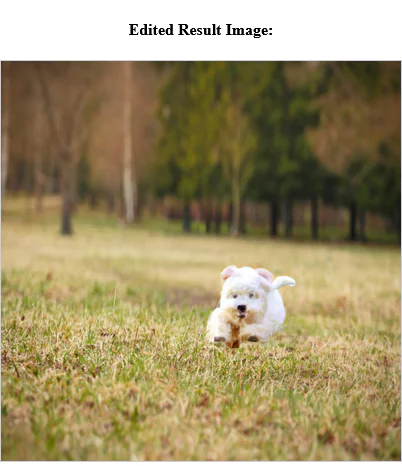
The results weren’t great. Create Edit doesn’t seem to be a feature OpenAI is putting much focus on.
- GitHub Page, MSW (Mock Service Worker)
https://cornpip.github.io/TokenMeter/
I hosted a TokenMeter demo site on GitHub Pages.
Now you can check out the service flow and how it works before installing TokenMeter.
TokenMeter is split into a server and a client, so to host a static build, mock data has to be set up without a server.
However, the client’s API handling logic is tightly coupled with state management, which made it cumbersome to add and maintain mock data logic directly in the code.
So how could I use mock data while keeping it as decoupled as possible from the existing code?
The MSW package lets you spin up a proxy in the browser that intercepts responses and serves mock data instead.
This let me keep the client’s request/response logic untouched while still using mock data in a structure separated from the actual service code.
Future Updates
- Local LLM
Running an LLM locally (with the option to switch between it and the OpenAI API)
- Local Image Generation
Generating images locally (with the option to switch between it and the OpenAI API)
In particular, providing specific flows that produce consistently good quality as a separate menu (service).
Image generation quality can be made consistent by constraining various parameters — including preprocessing steps suited to the model and prompts — appropriately for the model.