Arduino DAC, PWM
Arduino DAC, PWM
Digital-to-Analog Converter (DAC)
Arduino doesn’t have a DAC, so it can’t produce a continuous analog value, but it can achieve a similar effect using PWM. (The UNO R4 seems to have one, though.)
Pulse Width Modulation (PWM)
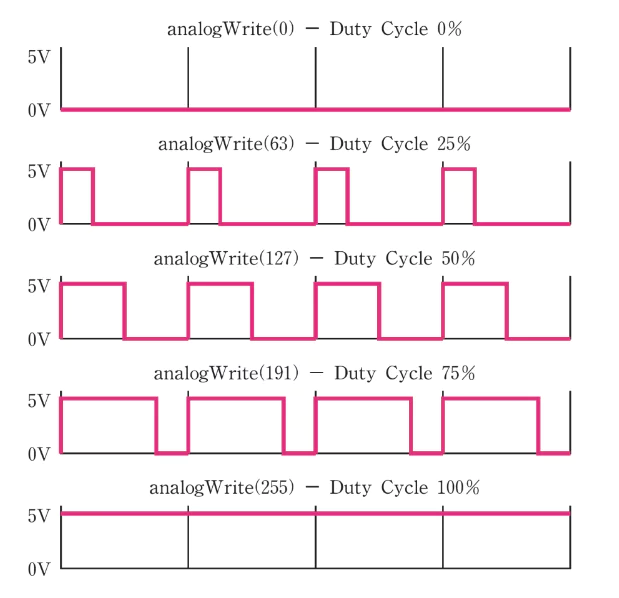
Let’s look at LED brightness control as an example.
How can adjusting the pulse width of the voltage change the brightness?
=> Because the pulse period is extremely fast, to the human eye a 50% pulse width looks just like 50% brightness.
Let’s run Arduino’s AnalogWriteMega.ino example.
1
2
3
4
5
6
7
8
9
10
11
12
13
14
15
16
17
18
19
20
21
22
23
24
25
26
27
const int lowestPin = 4;
const int highestPin = 6;

void setup() {
  // set pins 2 through 13 as outputs:
  for (int thisPin = lowestPin; thisPin <= highestPin; thisPin++) {
    pinMode(thisPin, OUTPUT);
  }
}

void loop() {
  // iterate over the pins:
  for (int thisPin = lowestPin; thisPin <= highestPin; thisPin++) {
    // fade the LED on thisPin from off to brightest:
    for (int brightness = 0; brightness < 255; brightness++) {
      analogWrite(thisPin, brightness);
      delay(2);
    }
    // fade the LED on thisPin from brightest to off:
    for (int brightness = 255; brightness >= 0; brightness--) {
      analogWrite(thisPin, brightness);
      delay(2);
    }
    // pause between LEDs:
    delay(100);
  }
}
You can set the PWM ratio using the analogWrite function.
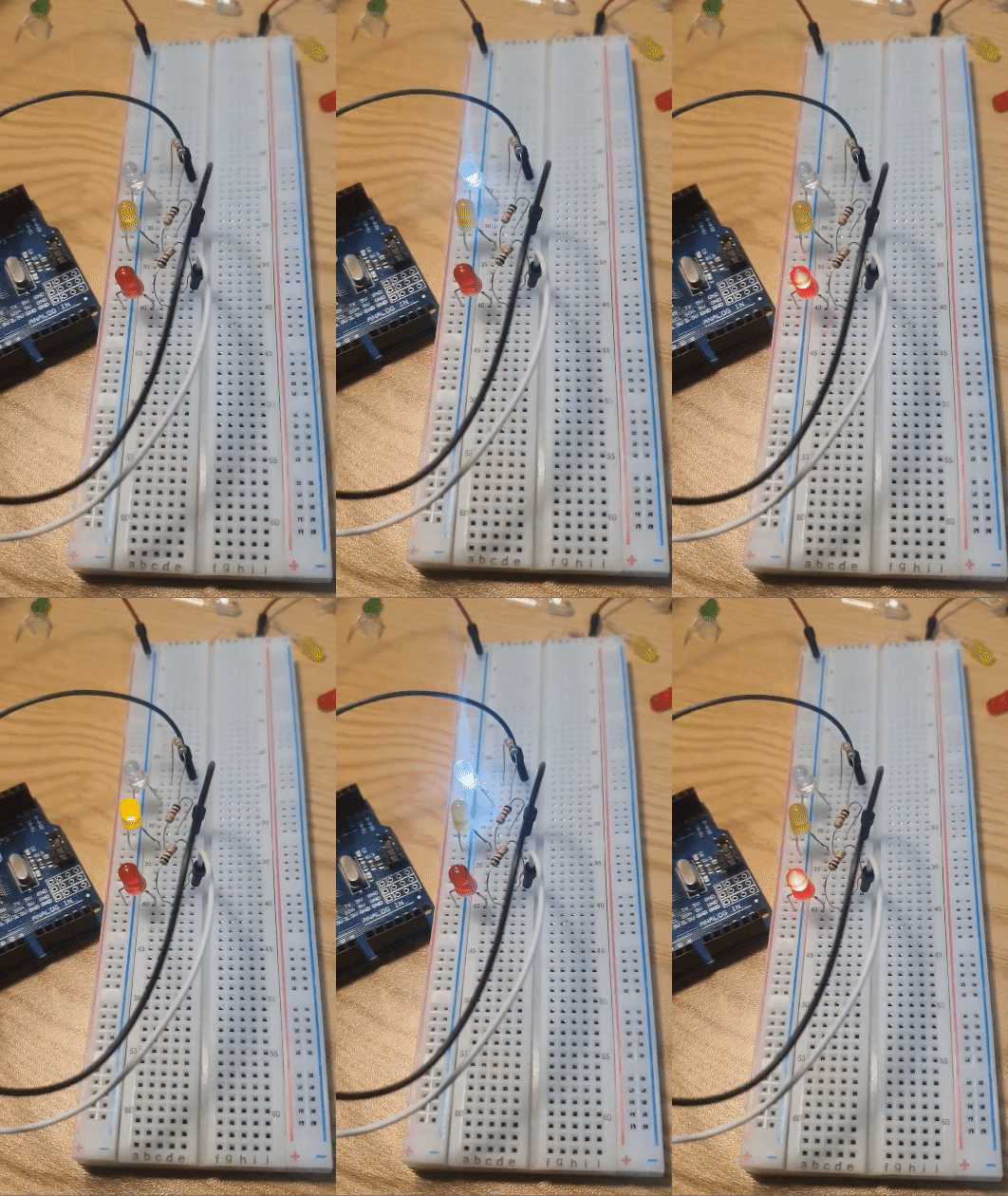
Arduino supports PWM on pins 2 through 13. Let’s just check three of the pins in a short video.
This post is licensed under CC BY-NC 4.0 by the author.