MediaPipe Face Landmark 3D Viewer
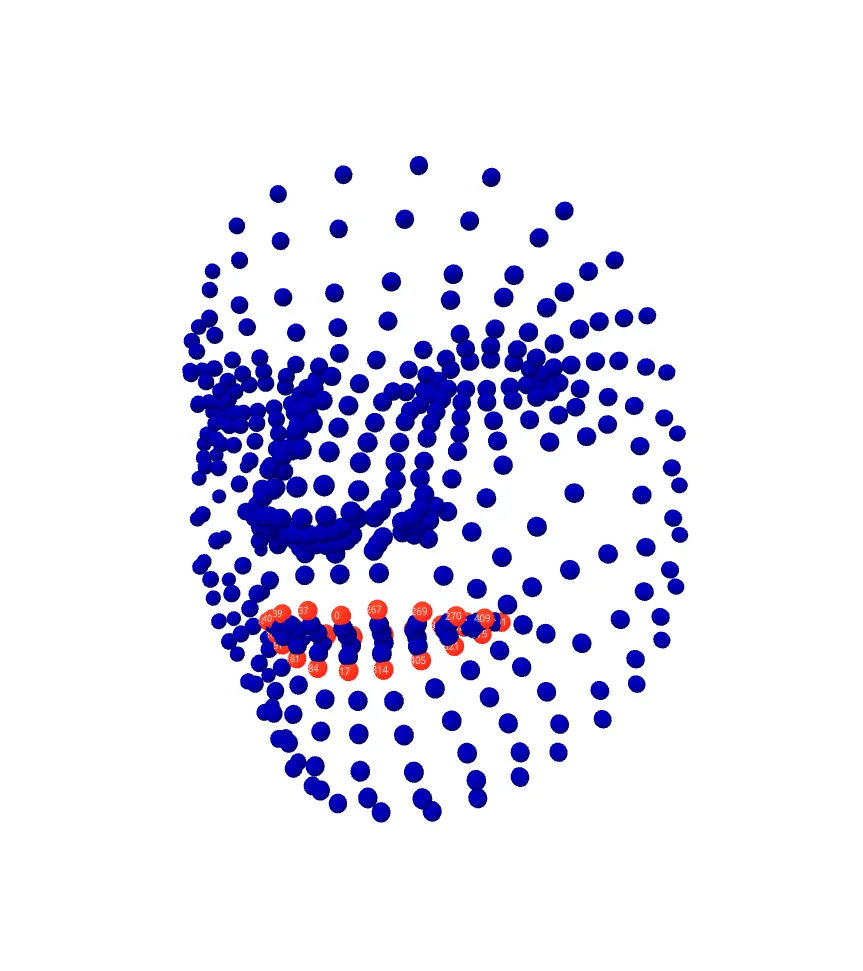
MediaPipe Face Landmark
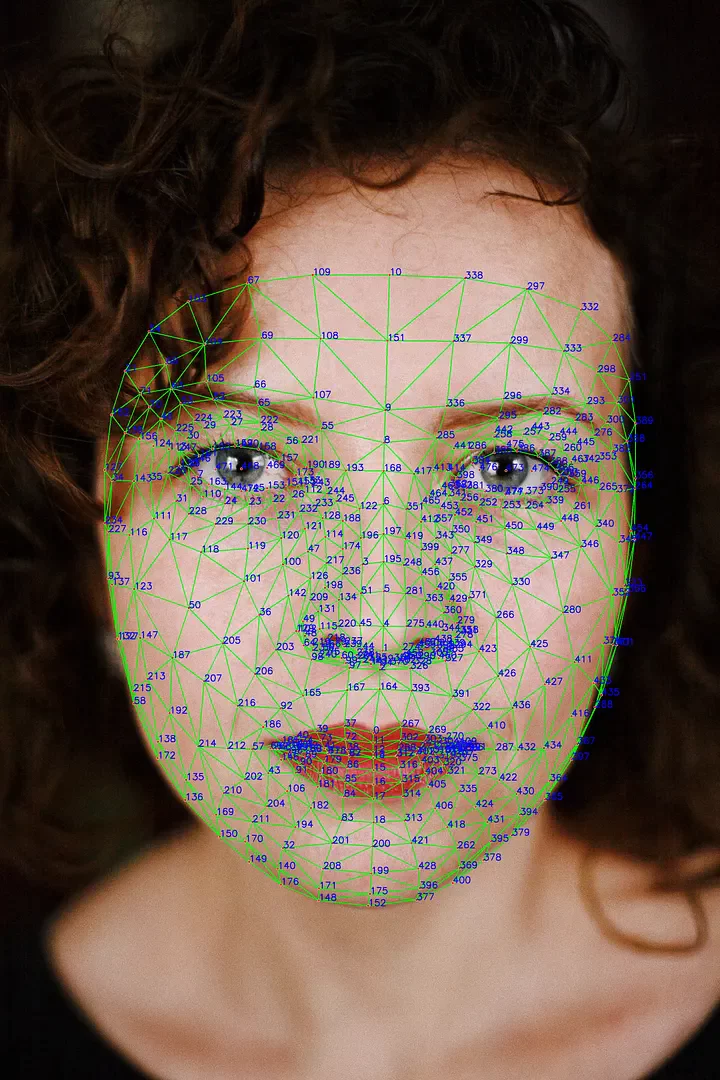 landmark number
MediaPipe’s Face Detection model returns a total of 468 points, as shown in the image above.
ML Kit’s Face Mesh Detection is also built on top of the MediaPipe model.
So if you ever see 468 facial landmarks, you can safely assume it’s the MediaPipe model.
Working with specific polygon regions on the mesh can be pretty inconvenient.
It’s not easy to look at a face and figure out a landmark’s number,
and going the other way—finding where a given number sits on the face—is even trickier.
MediaPipe Landmark 3D Viewer
So I built a simple site to visualize MediaPipe Face Landmarks.
https://cornpip.github.io/mediapipe_landmark_viewer/
This tool is the MediaPipe Face Landmark 3D Viewer.
You can click a landmark to see its number,
or search for a number to find where that landmark sits.
You can also freely rotate the model in 3D to check landmarks that would otherwise be hidden.
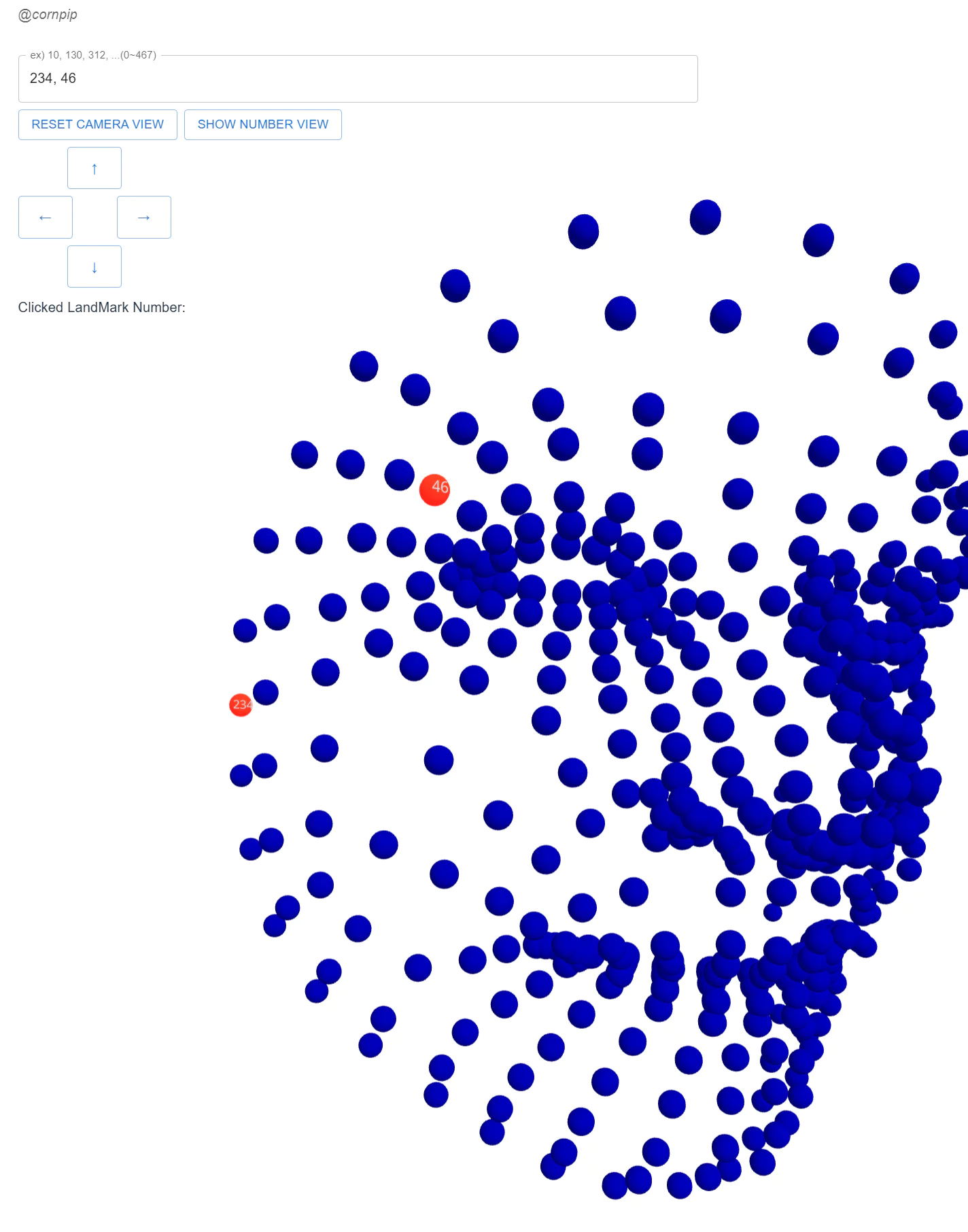 1,2
1,2
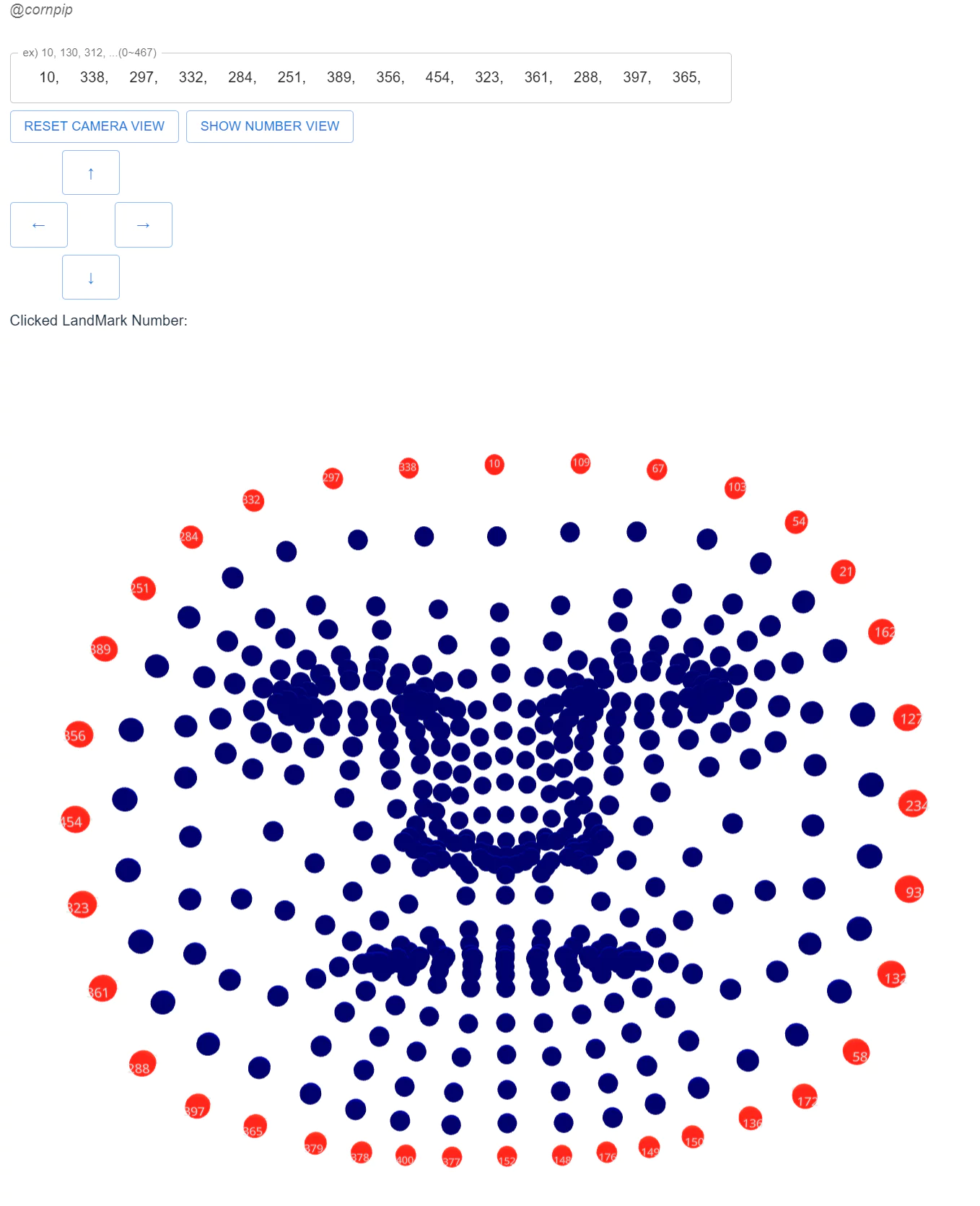 1,2
1,2
 3
3
Usage
 4
4
Usage is simple.
Enter numbers in the 0–467 range in the text box at the top left.
For example, if you enter something like 10, 20, 30, 11, 15 …, those landmarks get highlighted in red along with their numbers.
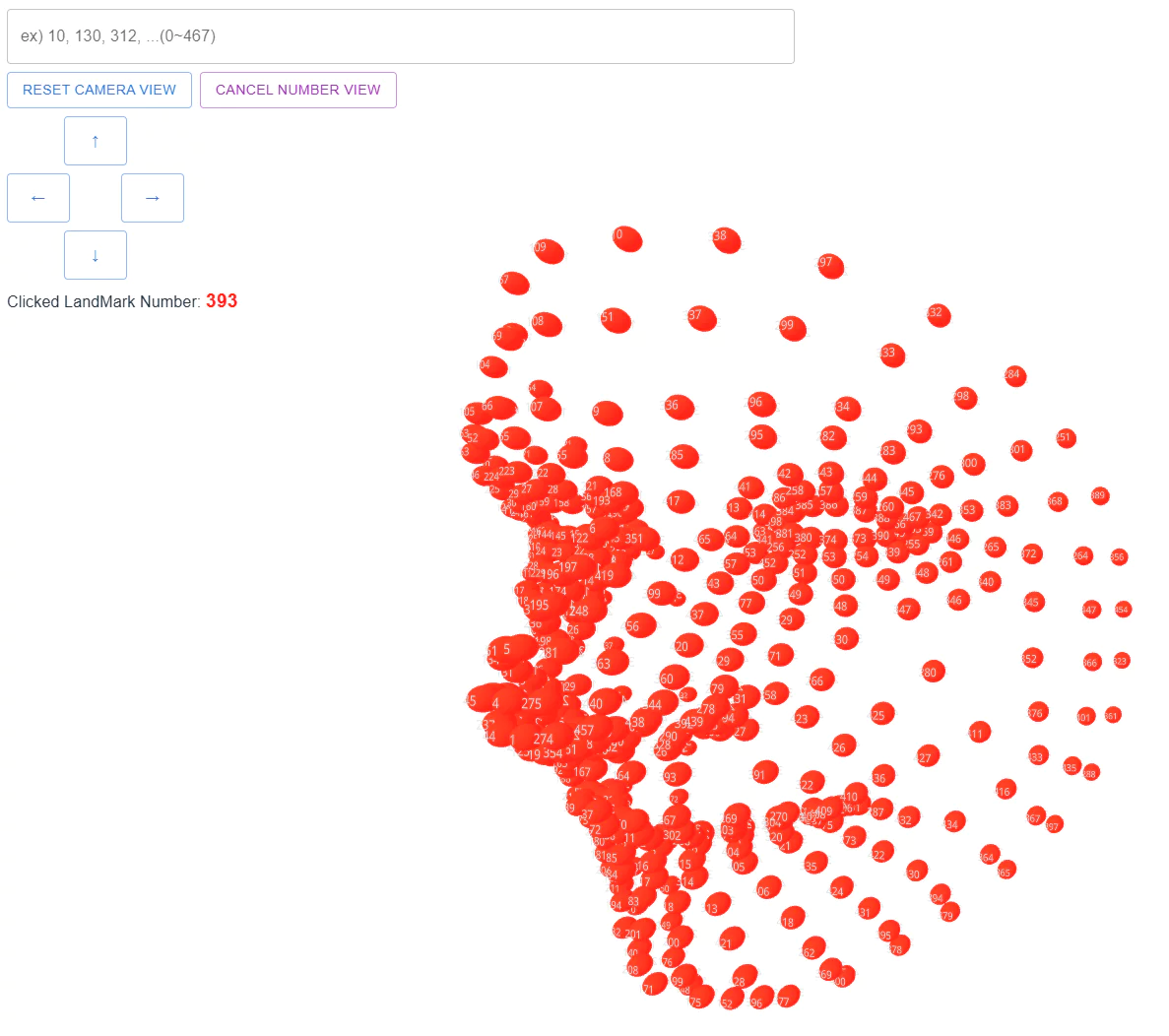
Pressing the ‘Show Number View’ button highlights all landmarks with their numbers shown (as in image 3).
You can use the mouse to zoom in/out, rotate, and otherwise control the 3D view,
and the arrow keys (←↑↓→) let you pan horizontally and vertically (clicking the on-screen arrows works too).
Clicking a landmark shows its point number (Clicked LandMark Number).
As an example use case, if you’re looking for the points along the face’s outer contour, you can check the relevant landmarks as shown in image 2.