Windows 10) Setting up Qt6 / Qt Creator 13 / OpenCV 4.9 Integration
Windows Qt6 OpenCV Integration
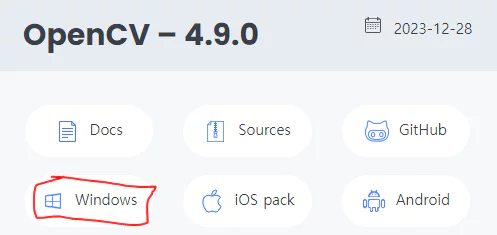
To check the cv2 integration, just download the Windows build and extract it — no separate build required.
On Windows, add the dll folder path to the system environment variable PATH: C:\Users\~~\opencv\build\x64\vc16\bin

Verify that the environment variable was set correctly by running opencv_version.
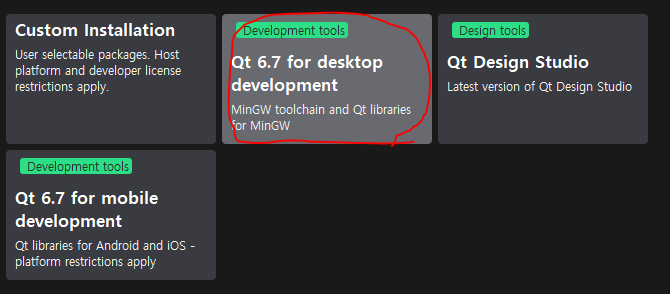
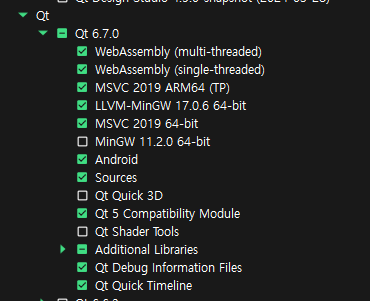
When installing Qt, there are several options, and choosing “for desktop dev” seems to check the boxes shown on the right.
It’s fine to install with Custom as well, but on Windows make sure to select the MSVC options.
If you want to use cv2 with the MinGW (gcc/g++) compiler in Qt Creator (Windows), you need to build cv2 with MinGW yourself.
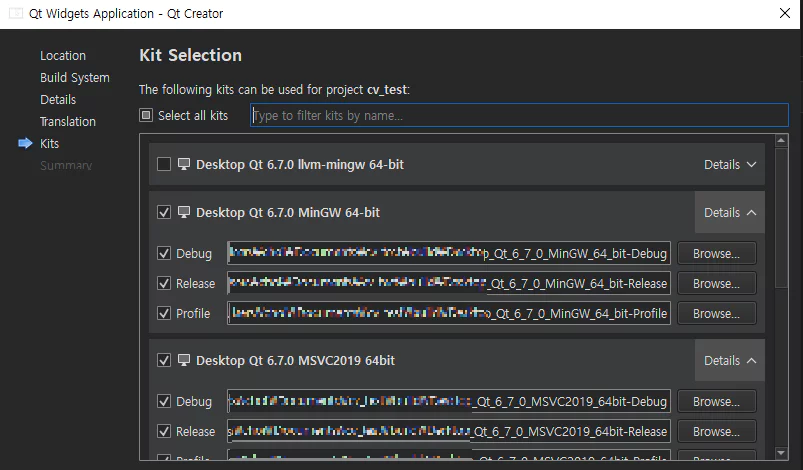
When creating a New Project in Qt Creator, you select the build kit. Let’s just pick both for now and check.
1
2
3
INCLUDEPATH += "C:\Users\~~\opencv\build\include"
LIBS += -L"C:\Users\~~\opencv\build\x64\vc16\lib" \
        -lopencv_world490
After creating the project, add the external library’s header and lib (or dll) paths to the .pro file as shown above.
(On Windows, opencv_world.dll can’t be opened and fails with a LINK1104 error.)
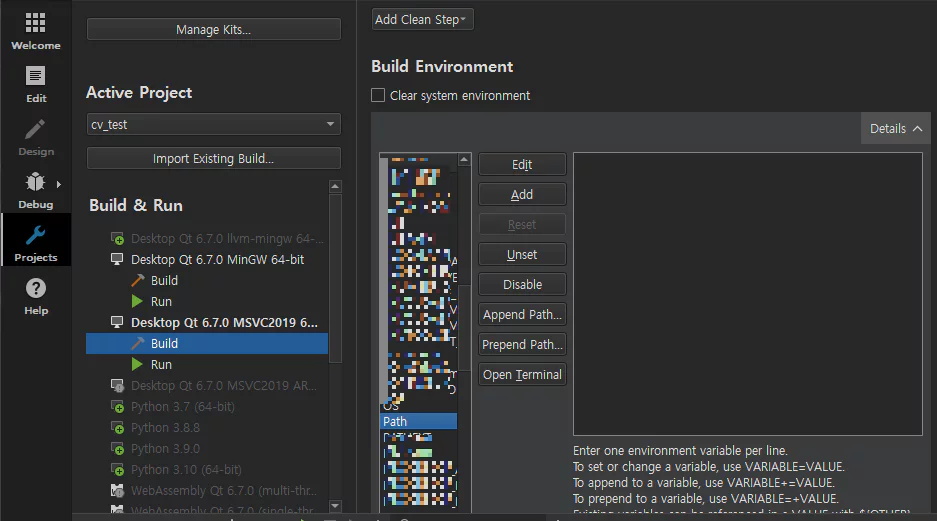
You can edit the Path in the Build Environment section under the Projects menu.
If you added the path (~\opencv\build\x64\vc16\bin) to the environment variable before launching Qt Creator, it should already be there. (Still, double-check it.)
1
2
3
4
5
6
7
8
9
10
11
12
13
14
15
16
17
//mainwindow.cpp
#include "mainwindow.h"
#include "ui_mainwindow.h"
#include <opencv2/opencv.hpp>

MainWindow::MainWindow(QWidget *parent)
    : QMainWindow(parent)
    , ui(new Ui::MainWindow)
{
    cv::Mat img; //check that this builds without issues
    ui->setupUi(this);
}

MainWindow::~MainWindow()
{
    delete ui;
}
Check that using cv::Mat img; works without any issues.
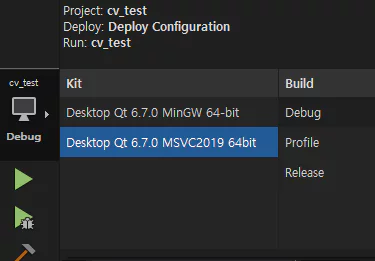
You can choose which kit to build with.
As a result, the MSVC compiler runs cv2 without any errors,
while the MinGW compiler produces errors such as undefined reference to 'cv::Mat::Mat()'.
As mentioned above, if you need to run with the MinGW build kit, the fix is to build cv2 with MinGW (g++) and load that instead.